Creating quotes
To create a quote:
Select the text or the part of the image you wish to quote.
Right-click on the selection and choose "Add as quote".
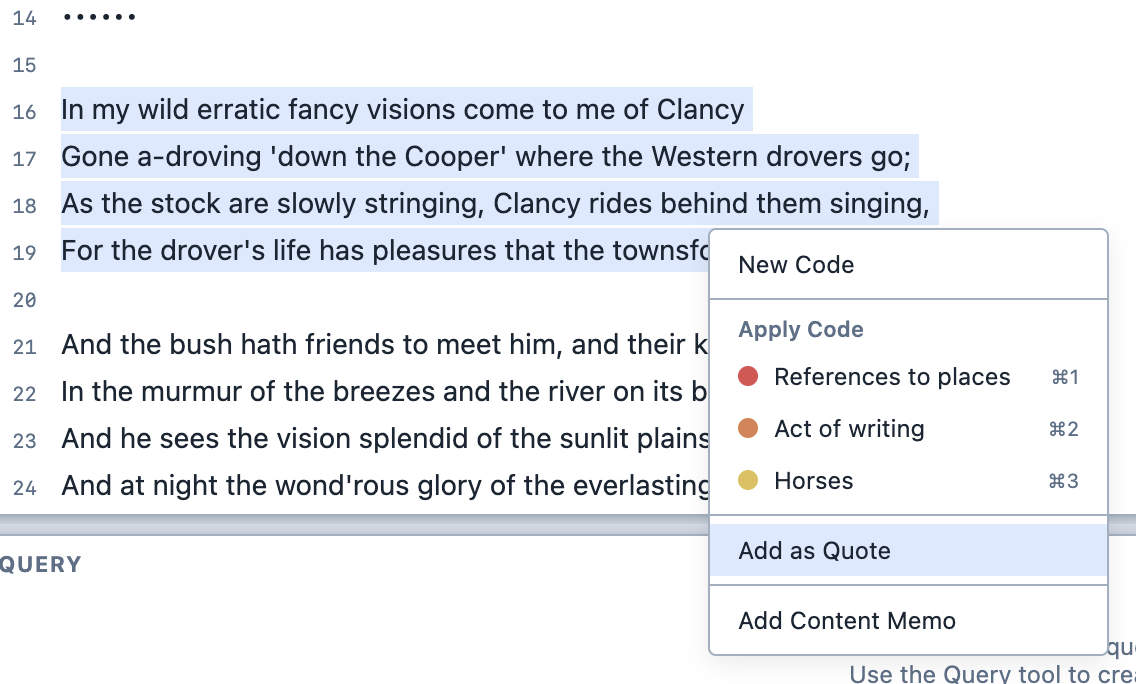
Adding a quote. The quote appears in the Quotes Panel.
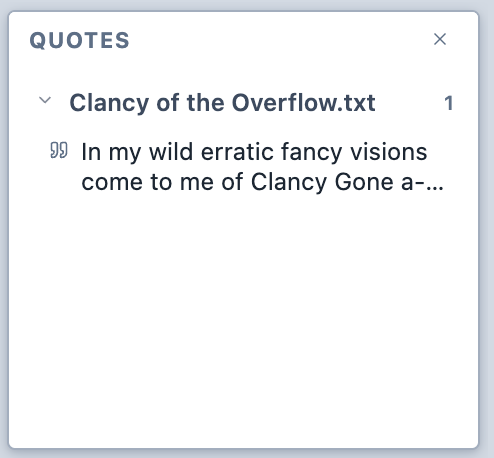
The Quotes Panel. You can right-click on a quote in the Quotes Panel to copy it to the clipboard or delete it.
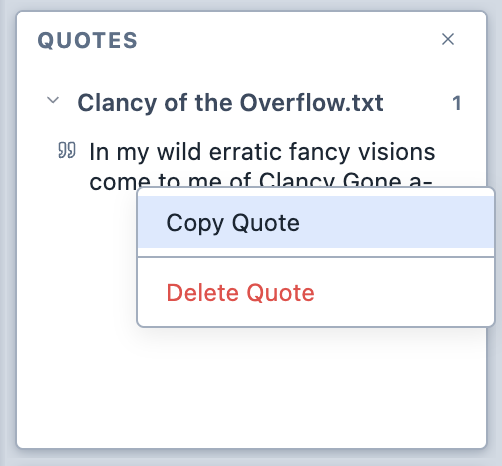
The Quotes Panel contextual menu.